
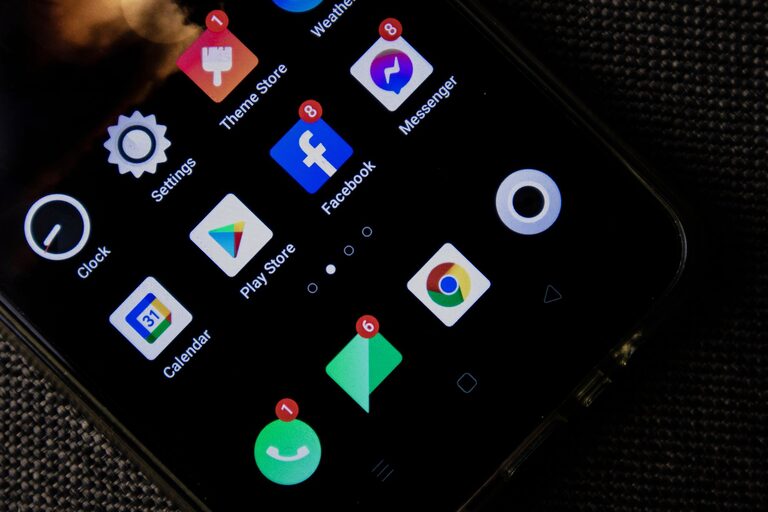
In today’s fast-paced world, notifications are everywhere—from smartphones, email apps, social media, to messaging platforms. While these alerts can keep us informed, they often become a source of distraction and stress. Setting boundaries with notifications is essential to maintain focus, improve productivity, and protect your well-being. In this post, we’ll explore practical tips to help you take control of your notification habits.
Why Setting Boundaries with Notifications Matters
Notifications are designed to capture our attention, but constant interruptions can fragment our focus and increase anxiety. Without boundaries, it’s easy to spend excessive time checking alerts or feel pressured to respond immediately. By managing notifications thoughtfully, you create space for deeper concentration and more meaningful interactions.
1. Audit Your Notifications Regularly
Start by reviewing all the apps and services sending you notifications. Ask yourself:
– Do I really need to be alerted by this app?
– How often should I receive updates from it?
– Which notifications are urgent or time-sensitive?
Delete or disable notifications from apps that don’t add value or cause unnecessary distractions.
2. Customize Notification Settings
Most devices and applications allow you to customize notification preferences. Here are some settings to consider:
– Turn off non-essential notifications: Disable alerts for newsletters, promotions, or social media likes.
– Use “Do Not Disturb” mode: Schedule quiet periods, especially during focused work or sleep times.
– Set priority notifications only: Allow only calls or messages from important contacts to trigger alerts.
– Group notifications: Some apps can bundle notifications to reduce constant interruptions.
Adjusting these options reduces noise and helps you stay attentive.
3. Establish Notification-Free Times and Zones
Creating specific times and spaces without notifications helps reinforce boundaries:
– Work blocks: Use techniques like Pomodoro to focus without distractions.
– Meals and family time: Set your phone aside during shared experiences.
– Before bedtime: Avoid screens and notifications to improve sleep quality.
Communicate these boundaries with colleagues or family so they understand when you’re unavailable.
4. Use Technology to Your Advantage
Many tools exist to help manage notifications effectively:
– Focus apps: Tools like Forest or Focus@Will encourage sustained attention by limiting distractions.
– Email filters: Automate sorting to avoid unnecessary email alerts.
– Notification management apps: Some apps consolidate notifications or provide smart summaries.
Experiment with apps that fit your workflow and lifestyle.
5. Practice Mindful Notification Checking
Instead of reacting to each alert immediately, cultivate habits such as:
– Checking notifications at set intervals rather than continuously.
– Turning off vibration or sound alerts to avoid automatic responses.
– Reflecting on whether a notification requires immediate attention.
Such mindfulness builds greater control over your time and energy.
6. Communicate Your Preferences
If you work in a team or share devices, let others know about your notification boundaries. For example:
– Inform coworkers of your “focus hours” to reduce unnecessary messages.
– Set expectations around response times.
– Use status indicators in messaging apps like Slack to show availability.
Clear communication helps others respect your digital boundaries.
7. Review and Adjust Periodically
Digital habits evolve, so revisit your notification settings regularly. Reflect on:
– What’s working well?
– Which notifications still cause distractions?
– Are your boundaries realistic and helping you achieve balance?
Adjust your approach as needed to maintain control and prevent notification overload.
—
Conclusion
Setting boundaries with notifications is a powerful step toward improving focus, reducing stress, and enhancing overall quality of life. By auditing your alerts, customizing settings, creating no-notification zones, leveraging technology, practicing mindful checking, communicating preferences, and reviewing your habits, you can transform how you experience digital notifications. Start today to create a healthier, more intentional relationship with your devices.